Workshop Wallpaper Bridge
Use personally copied Wallpaper Engine Workshop wallpapers on macOS. Local files only; no Steam login, no Workshop downloading, no asset redistribution.
Checking the latest GitHub release...
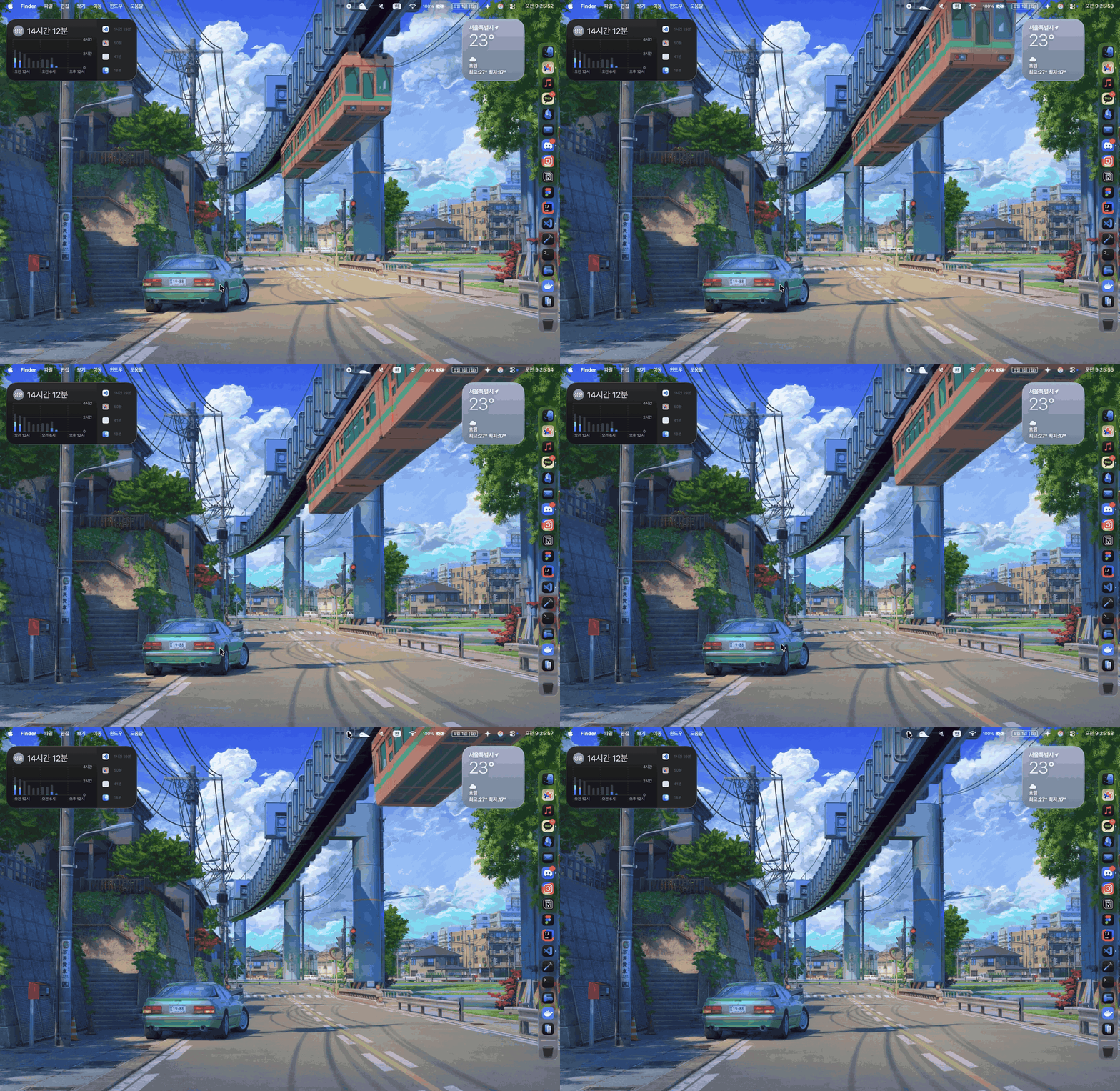
What it does
Import
Scan a copied 431960 Workshop folder and import supported projects into a private Mac library.
Play
Run MP4, MOV, M4V, local web, image, and supported scene.pkg wallpapers on the desktop layer.
Screen saver
Install the bundled macOS screen saver so supported video wallpapers can animate when the screen saver starts.
Install
Open the DMG and drag the app into Applications. The download button uses the GitHub API to resolve the newest WorkshopWallpaperBridge-macOS-arm64.dmg asset automatically.
The current app is ad-hoc signed and not Apple-notarized, so macOS may report it as damaged. Only use the DMG from this repository's official GitHub Releases page. After copying the app to Applications, run:
xattr -r -d com.apple.quarantine "/Applications/Workshop Wallpaper Bridge.app"Then open the app. It runs in the menu bar rather than the Dock.
Use it
- Copy your Wallpaper Engine Workshop folder from Windows:
steamapps/workshop/content/431960. - Open Workshop Wallpaper Bridge Settings from the macOS menu bar.
- Choose the copied
431960folder, scan it, then import the supported wallpapers. - Select an imported wallpaper and click Play on Desktop.
- Turn on Animate Screen Saver if you want supported video wallpapers to run when the macOS screen saver starts.